
features

A Global Solution Call Management

Modern organizations rely on fast, consistent communication. Our platform manages inbound calls, understands caller intent, gathers key information, and guides conversations toward scheduling, service resolution, or revenue-generating outcomes.
A simple illustration of a friendly robot face with a headset and microphone, enclosed in a speech bubble, representing virtual assistance or AI answering service features.

AI Call Answering

Every inbound call is answered instantly with natural conversation that captures caller needs, gathers service information, and guides customers toward the next step.

An icon of a classic phone handset with three blue arrows and lines emerging from it, symbolizing communication, call forwarding, or phone connectivity with advanced AI answering service features.

Intelligent Call Routing

Calls are directed to the right department, workflow, or outcome automatically, ensuring customer requests reach the correct destination without delays or confusion.
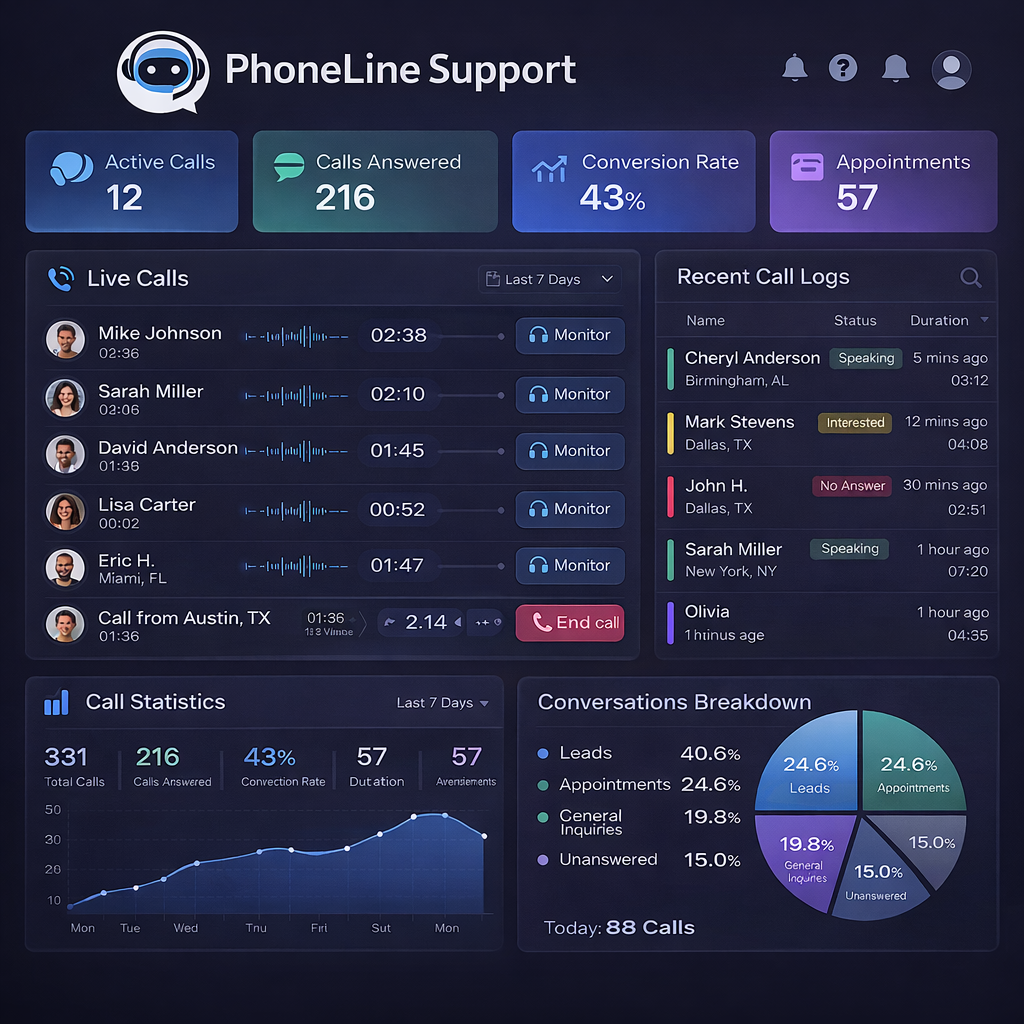
A PhoneLine Support dashboard displays active and answered calls, AI answering service features, conversion rate, appointments, live and recent call logs, call statistics, and a pie chart breakdown of call types in blue and purple tones.

CALL OPERATIONS

Real-Time Call Activity Dashboard

Monitor inbound calls, active conversations, and interaction outcomes through a centralized dashboard that gives leadership clear visibility into communication performance.

  • Call Volume Tracking
  • Customer Interaction History
  • Outcome Tracking
  • Performance Visibility

INTELLIGENT REASONING

Conversation Understanding

Our system does more than answer calls. It interprets conversations, gathers relevant information, and guides customers toward appropriate actions or scheduling outcomes.

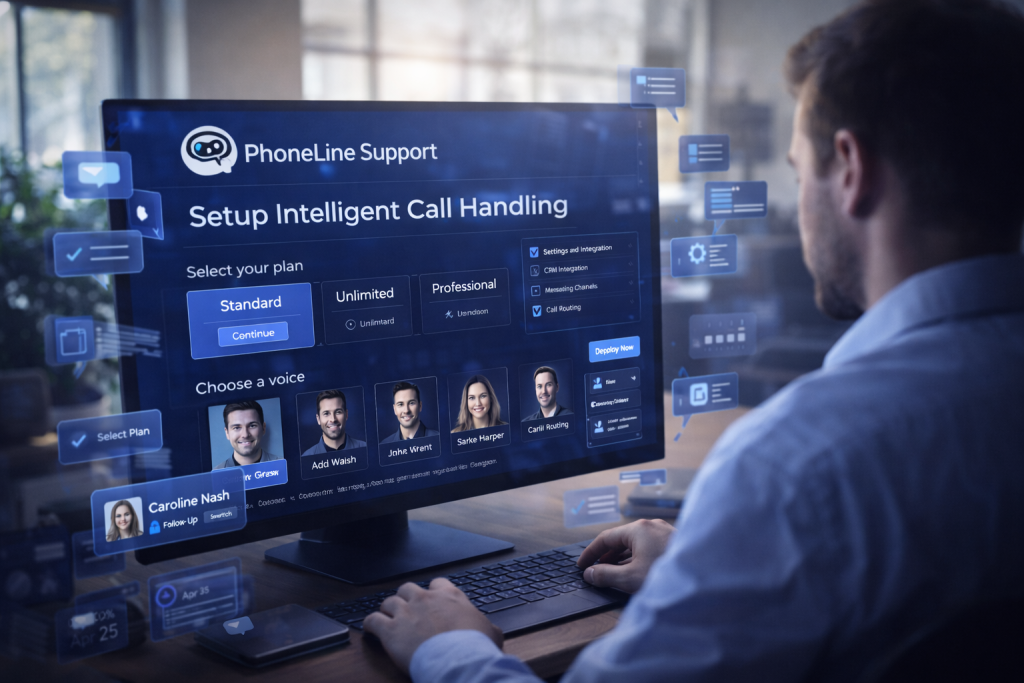
A person wearing a headset sits at a computer, messaging with a customer service agent on a screen. Chat bubbles and virtual interface elements highlight AI answering service features assisting in troubleshooting an account issue.

EASE OF DEPLOYMENT

Fast Deployment

Organizations can activate intelligent call handling quickly without complex setup, allowing teams to begin managing inbound conversations immediately.

What the Platform Does

CORE PLATFORM CAPABILITIES

Answer every incoming call professionally and capture customer needs without requiring additional staff.
A blue and white calendar with a checkmark on one date is shown next to an analog clock, symbolizing scheduling or an appointment with helpful AI answering service features.

Appointment Scheduling

Customers can schedule services directly through conversations, eliminating delays and simplifying booking workflows.

A blue phone handset, a calendar with a crescent moon symbol, and a large yellow crescent moon with stars, all set against a white background, suggesting night-time communication or scheduling with AI answering service features.

After-Hours Coverage

Ensure calls are answered outside normal business hours so organizations never miss urgent requests or potential revenue opportunities.
Two speech bubbles, one with a letter A and US flag, the other with a Chinese character and Chinese flag, symbolizing English and Chinese translation or communication—ideal for showcasing AI answering service features.

Bilingual Support

Serve English and Spanish speaking callers seamlessly so organizations can communicate effectively with a broader customer base.

A 3D illustration showing a bar chart, pie chart, magnifying glass, and blue telephone receiver, symbolizing data analysis and communication enhanced by AI answering service features in business or customer service contexts.

Call Data Insights

Review call activity, interaction outcomes, and performance metrics to improve communication strategies and operational efficiency.
An illustrated clipboard with a checklist, profile images of two women, a clock showing 12:28, a magnifying glass, and a speech bubble with three dots representing AI answering service features and conversation.

Conversation Records

Lorem ipsum dolor sit amet, consectetur adipiscing elit. Ut elit tellus, luctus nec ullamcorper mattis, pulvinar dapibus leo.
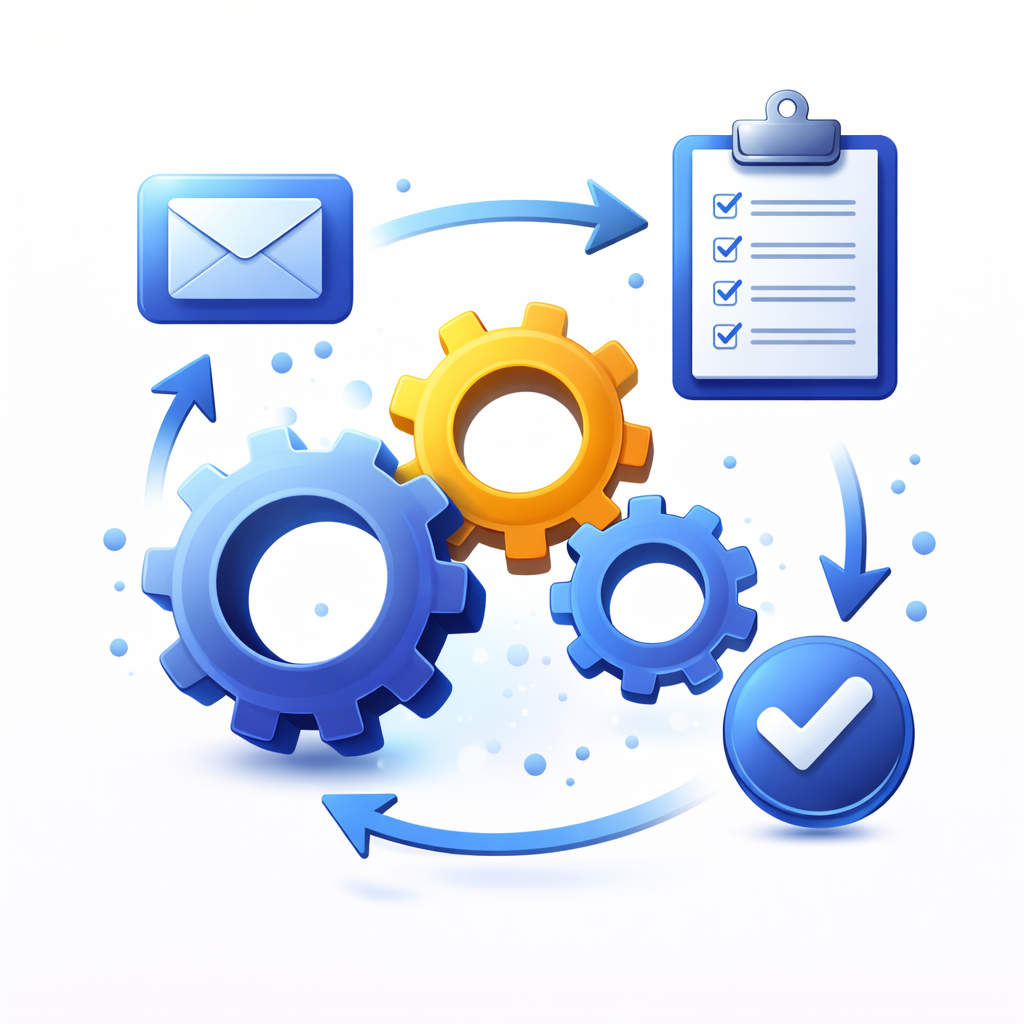
Illustration of interconnected gears, a clipboard with checkmarks, an envelope, and a large checkmark, all linked by arrows, symbolizing workflow automation, AI answering service features, process integration, and task completion.

Workflow Automation

Customer requests move through structured processes that guide calls from inquiry to scheduling or service resolution.

A blue shield with a yellow padlock in front, symbolizing data security. Behind it are a cloud, checklist clipboard, blue padlock, and a laptop with password and checkmark—highlighting AI answering service features for secure digital communication.

Enterprise Security

Communication data and interaction history are protected with secure infrastructure designed for organizations handling sensitive customer information.
A blue phone handset, a document with speech waves and quotation marks, and a magnifying glass symbolize AI answering service features like voice transcription and analysis.

Call Transcriptions

Every conversation is automatically transcribed and summarized so organizations can review interactions, capture key details, and maintain clear records of customer communication.
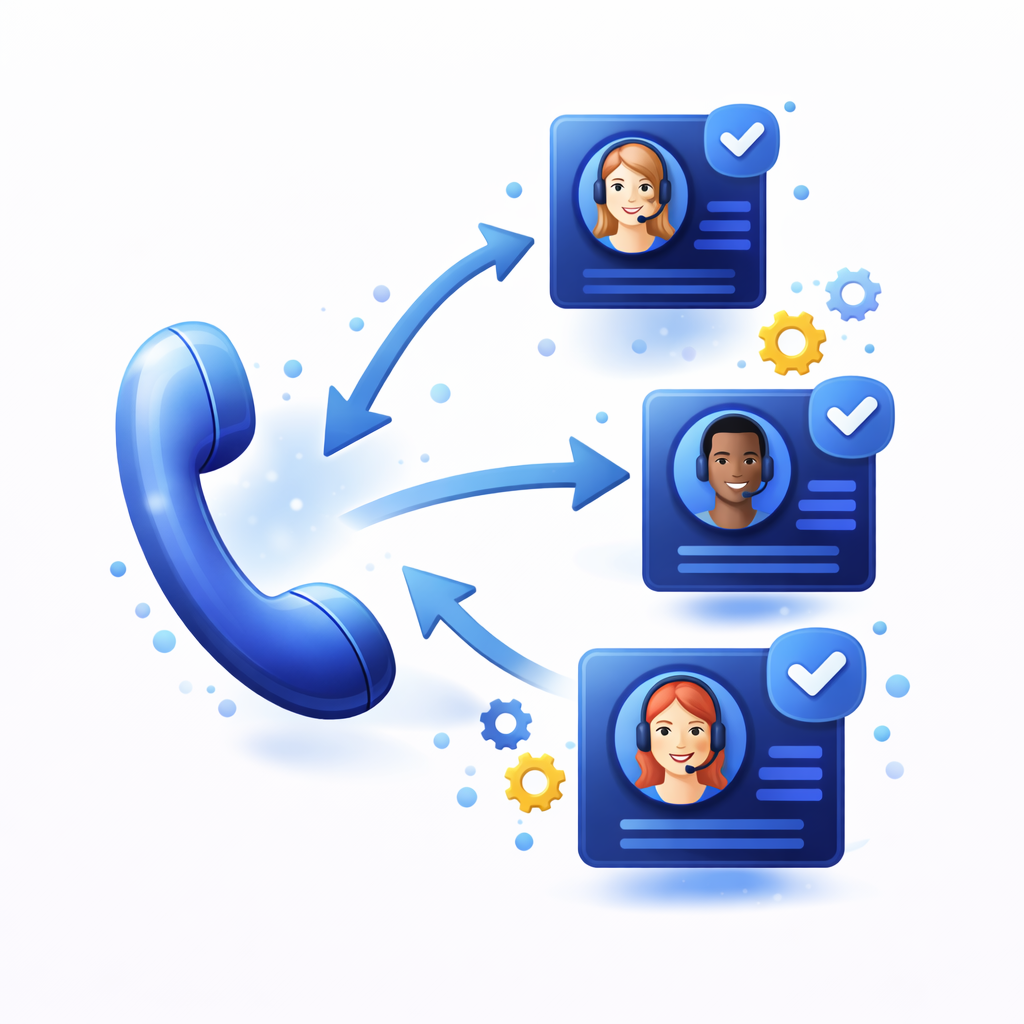
A large blue phone icon with arrows pointing to three customer service avatars, each in a chat box with a checkmark, represents call routing or AI answering service features. Gears and dots decorate the background.

Intelligent Call Routing

Calls can be routed, transferred, or escalated based on caller intent, ensuring customers reach the appropriate department or workflow without unnecessary delays.

you have questions?

Frequently Asked Question

Lorem ipsum dolor sit amet, consectetur adipiscing elit. Ut elit tellus, luctus nec ullamcorper mattis, pulvinar dapibus leo.

PhoneLine Support improves business communication by managing the conversations that matter most to your customers. Instead of relying on limited staff to handle every call, message, and inquiry, our system ensures that inbound phone calls, outbound calls, text messages, and email communications are handled consistently and professionally. PhoneLine Support captures customer information, understands what callers need, and guides conversations toward the correct outcome such as scheduling services, gathering information, or directing the request to the right workflow. For small businesses this means never missing an opportunity when customers reach out. For larger organizations it provides a scalable communication layer that keeps customer conversations organized, documented, and moving efficiently toward resolution.

PhoneLine Support manages the communication workflows that businesses rely on every day. This includes answering inbound phone calls, making outbound calls, sending and receiving text messages, managing email conversations, capturing customer information, scheduling appointments, and organizing service requests. The system can ask questions, gather details, and guide customers through a structured conversation so that the business receives clear and useful information. Instead of juggling multiple communication channels separately, PhoneLine Support creates a centralized way to manage customer conversations and ensure that requests are captured accurately and handled efficiently.

Yes. PhoneLine Support is designed to support organizations of all sizes. Smaller businesses often use the platform as their primary communication front line, allowing them to handle calls, texts, and customer inquiries without needing a full administrative team. Larger companies and enterprise organizations use PhoneLine Support to assist their internal teams by managing high volumes of inbound calls, coordinating outbound communication, and capturing structured customer information across departments. Because the system can scale easily, it works just as well for a small local company handling a few calls per day as it does for organizations managing thousands of customer interactions.

PhoneLine Support can handle both inbound and outbound communication. Inbound calls are answered and managed automatically so customer requests are captured and organized. The system can also initiate outbound communication when needed, including calling customers for follow ups, sending appointment reminders, delivering text notifications, or responding to email inquiries. This allows businesses to maintain consistent communication with customers without relying entirely on manual outreach. The result is a more organized and responsive communication process that improves customer engagement and operational efficiency.

PhoneLine Support uses advanced conversational reasoning to understand what callers are trying to accomplish. Instead of forcing customers to navigate complicated phone menus, the system listens to the conversation and gathers key information such as the customer’s name, request, service needs, or scheduling preferences. It then guides the conversation toward the appropriate next step. This might include collecting additional information, scheduling an appointment, sending follow up instructions, or routing the request to the right workflow. By understanding conversations rather than simply recording messages, Phoneline Support helps businesses turn everyday phone calls into structured and useful information.

Yes. PhoneLine Support can automate many of the routine communication tasks that normally consume staff time. This includes collecting customer details, confirming appointments, sending reminders, responding to common inquiries, and organizing requests into structured workflows. In some cases the system can even assist with administrative follow ups by sending confirmations, documenting customer interactions, or triggering notifications for internal teams. Automating these tasks allows businesses to focus on higher value activities while maintaining consistent communication with customers.

Every customer call or message represents a potential opportunity. PhoneLine Support ensures that those opportunities are captured instead of being missed due to busy staff, after hours calls, or inconsistent communication. By answering calls immediately, gathering the right information, and guiding customers toward scheduling or next steps, the system helps convert inquiries into real business outcomes. Businesses often discover that many lost opportunities were simply the result of missed calls or incomplete customer information. Phoneline Support solves this by creating a consistent and reliable communication process.

Yes. PhoneLine Support can manage communication twenty four hours a day. Calls that come in during evenings, weekends, or busy periods can still be answered and documented so that customer needs are captured immediately. This ensures that businesses do not lose potential opportunities simply because someone called when the office was closed. In many cases the system can still gather service details, schedule appointments, or provide helpful information so the customer feels assisted even when staff are unavailable.

Even in a digital world, phone conversations remain one of the highest intent forms of communication. When a customer calls a business, they usually need help, information, or service right away. These conversations often represent the most immediate opportunities for businesses to assist customers and generate revenue. PhoneLine Support helps organizations manage those conversations effectively by ensuring that every call is answered, every request is captured, and every interaction moves toward a clear outcome.


Ready to Start?

See how Phoneline Support can transform the way your organization manages calls, messages, and customer communication. From inbound call handling to outbound outreach, text messaging, and automated workflows, our platform helps businesses capture opportunities, improve response times, and keep every customer interaction organized. Whether you’re a small business looking to streamline communication or a large organization managing thousands of conversations, Phoneline Support provides a smarter way to handle the phone line.

Free Trial